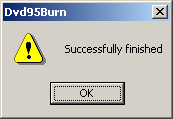
Dvd95Burn is the easiest way to burn a working DVD movie.
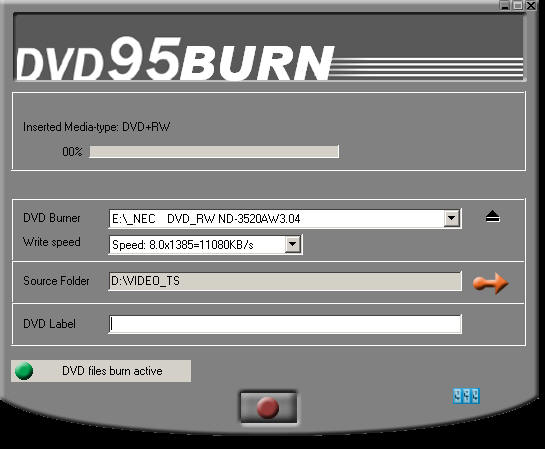
First you must select the folder where your DVD files are
located, so press this button:
 and select a folder like here:
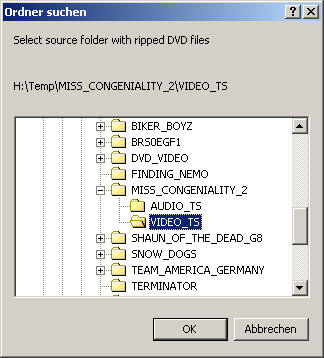
After the source
has been selected the DVD Label will be created automatically.
But you can change it if you want.
Finaly select your DVD Burner and the desired writing speed and press the bottom
button to start the burn:

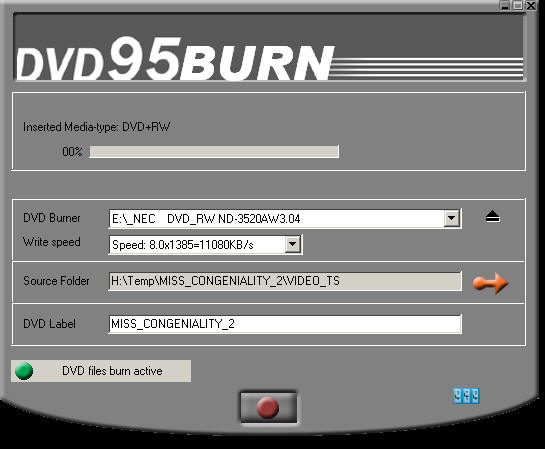
The burning of the DVD will begin and will create a perfect working movie DVD.

Now you are done. Enjoy your movie DVD.